Better Google Calendar
Google Calendar is good and I use it all day, but a handful of small things kept annoying me: an invite arrives as an .ics attachment and there is no way to just drop it on the calendar; creating an event with a guest, a place and a repeat rule takes six clicks through the form; the settings I touch twice a year are buried three menus deep. Better Google Calendar is a Chrome extension that fixes those from the page itself. It never asks for access to the Google account: everything works through the page already open and through Google’s own event-form URLs.
Try the Quick Add parser interactive
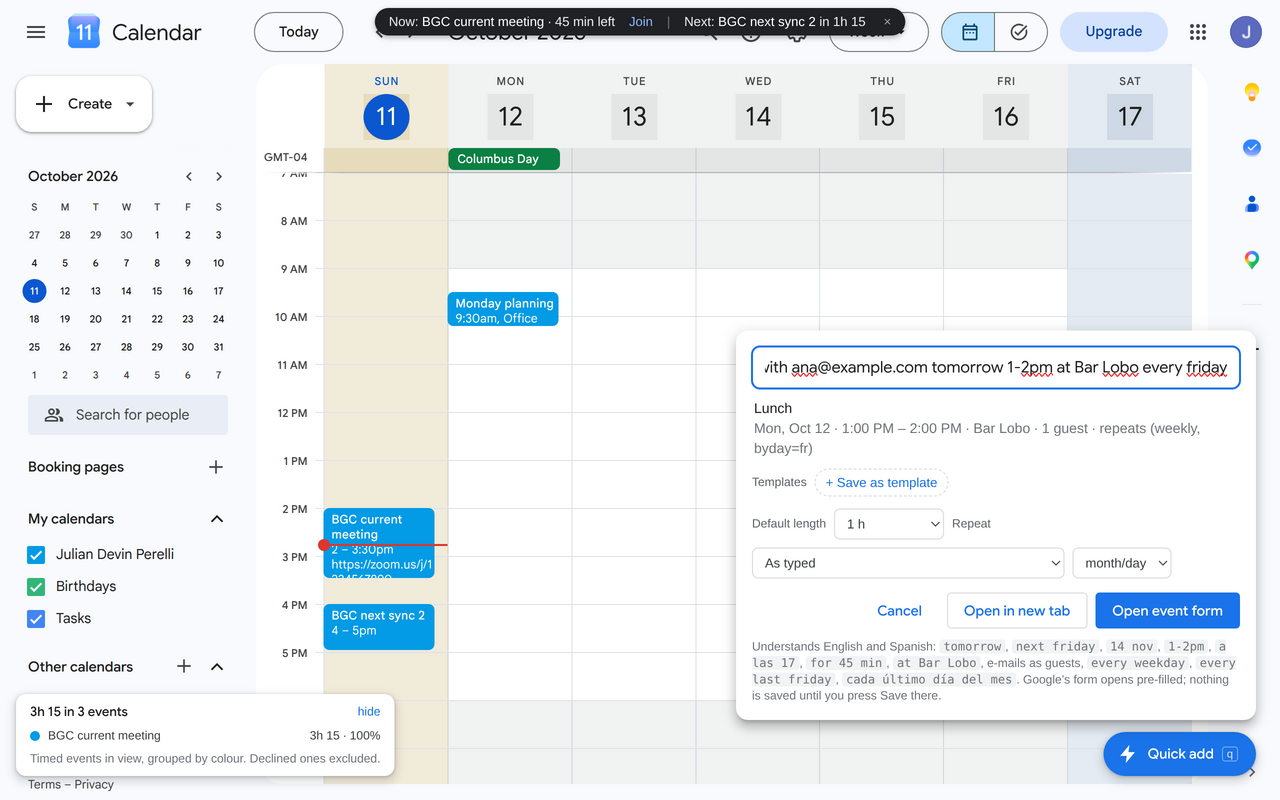
In the calendar, pressing q opens a box where an event is typed in one line. This is the parser that reads that line, running here in the page, plus the URL it builds for Google’s event form. Edit the text or pick an example.
What it adds
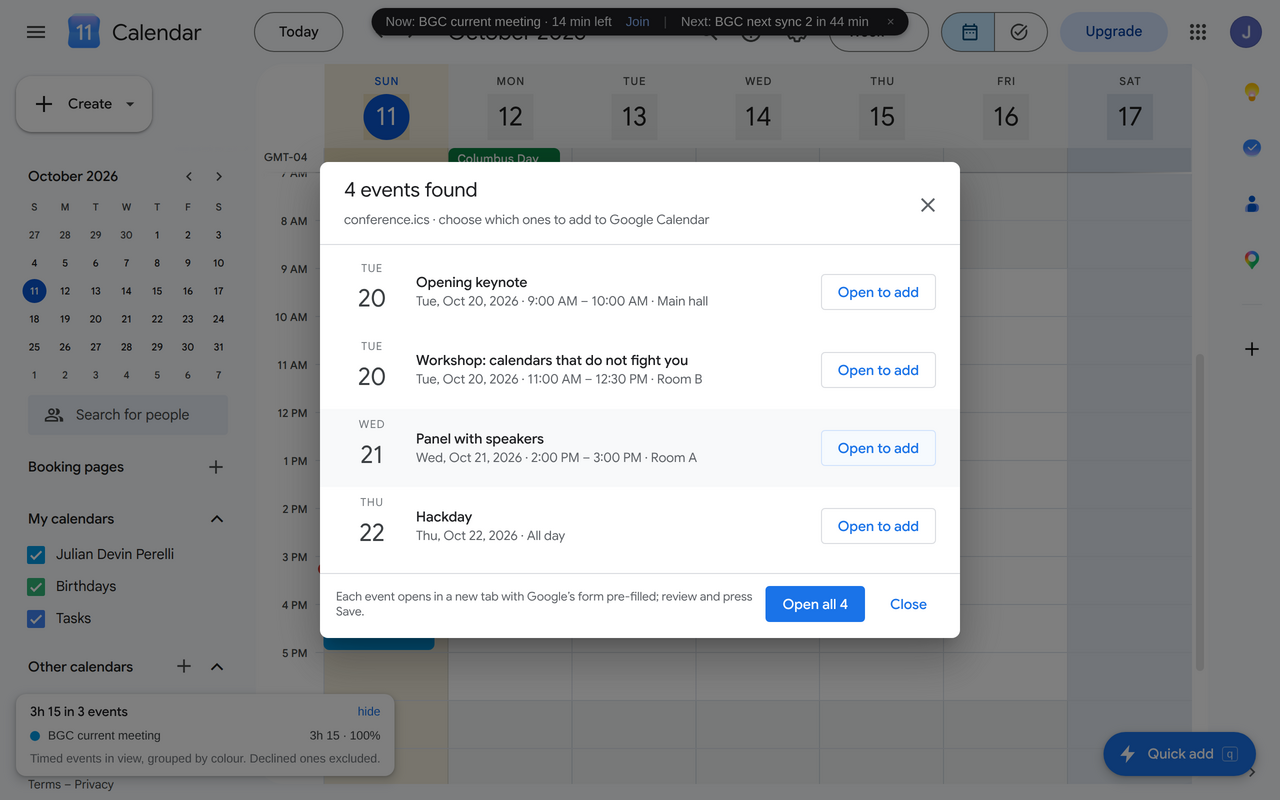
- Drop an .ics on the calendar Invites from any mail client, with one or many events, time zones (including Windows names) and recurrences. Each event opens Google's pre-filled form; nothing is written behind your back.
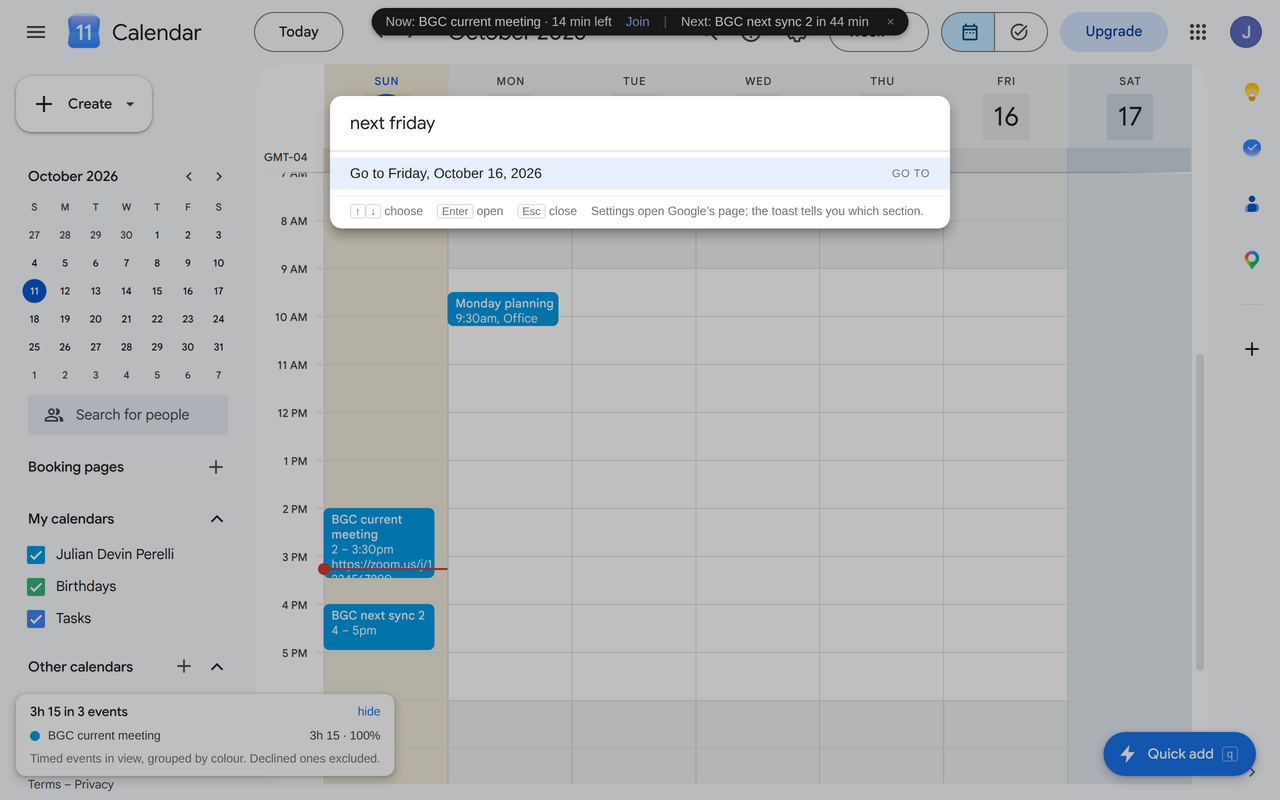
- Quick Add in plain words English and Spanish:
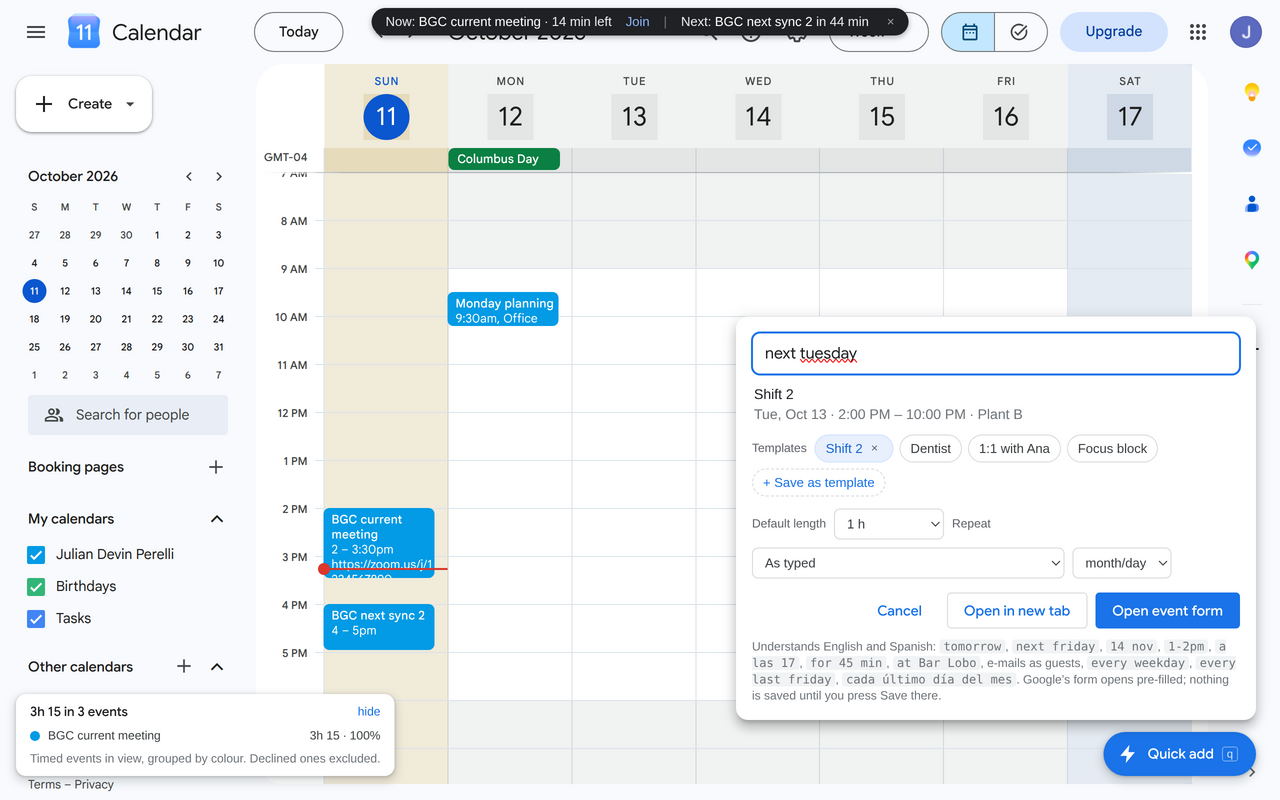
tomorrow 1-2pm,next friday,14 nov,a las 17,for 45 min,every weekday,cada último viernes, e-mails as guests,at Bar Loboas place. - Templates Save what was typed (title, length, place, guests, repeat) and reuse it with a new date.
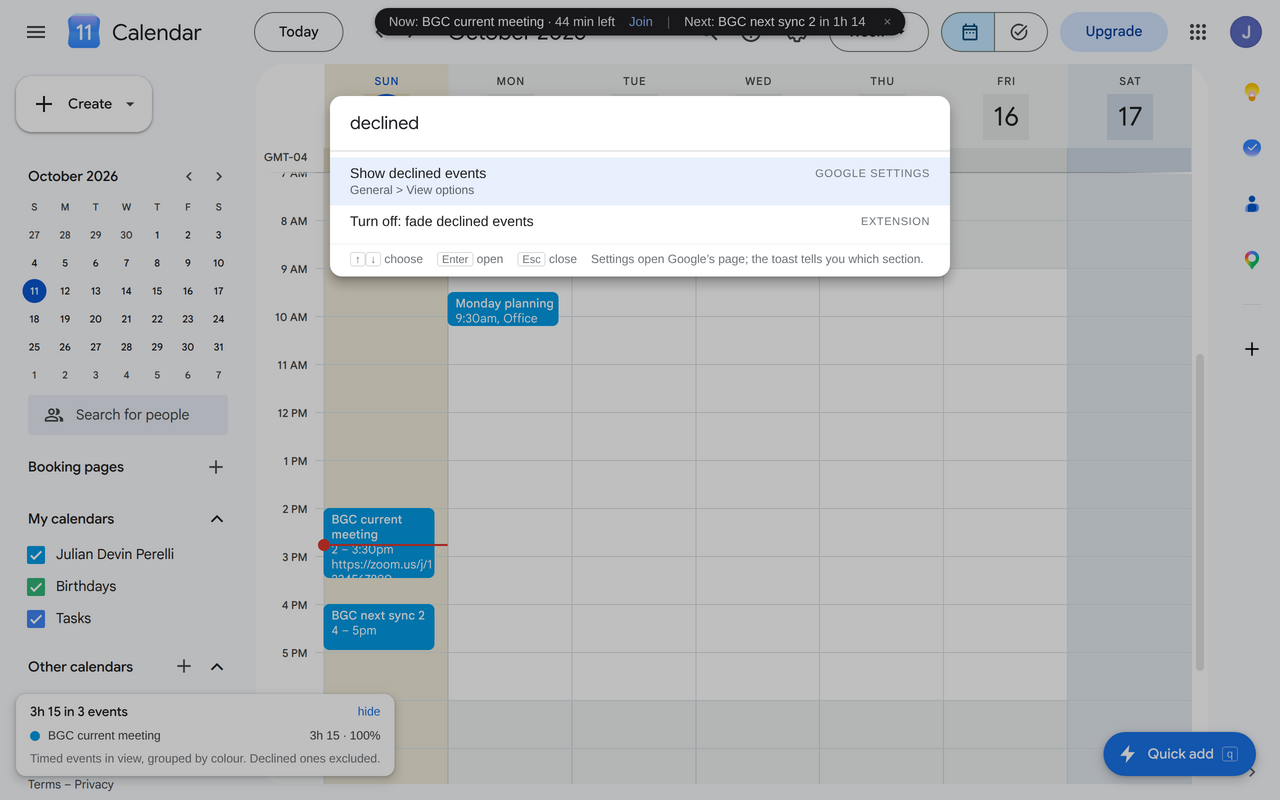
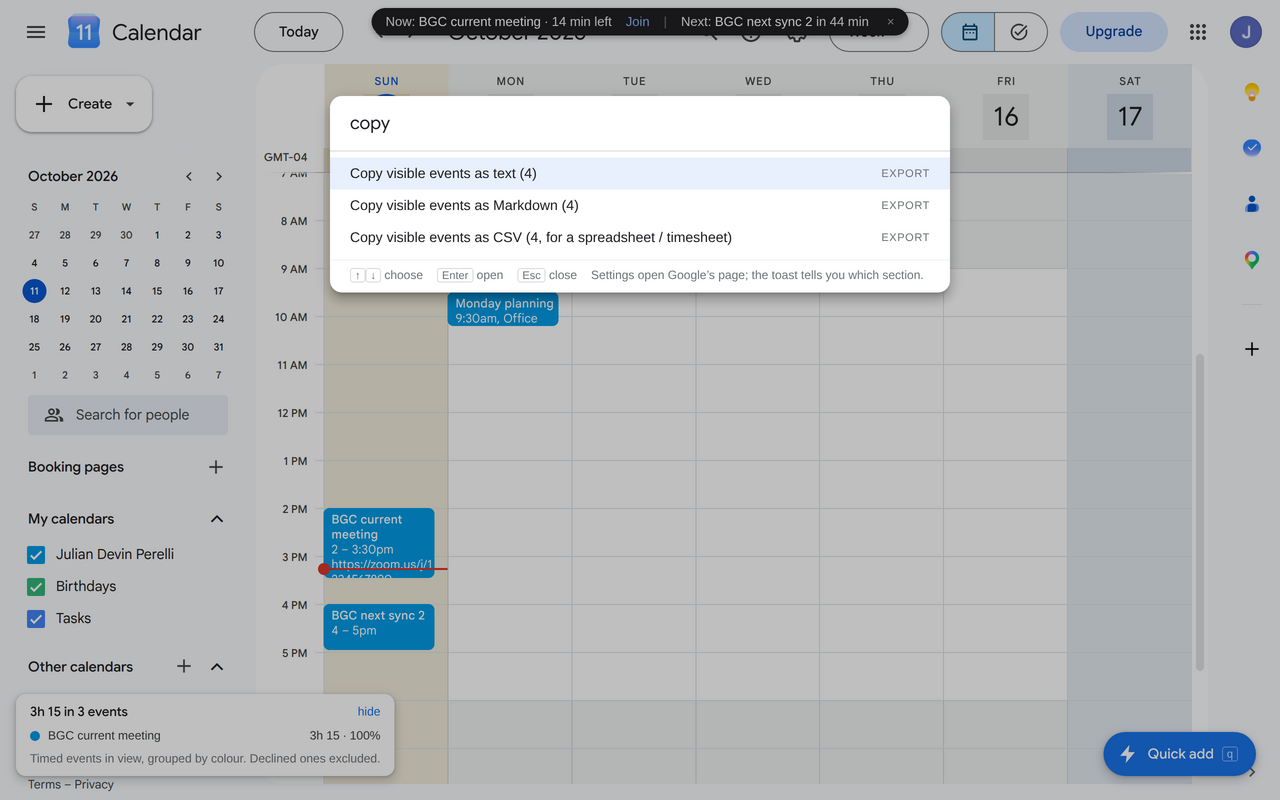
- Command palette Ctrl+K to jump to a date, to a settings section, or to run any of the extension's commands.
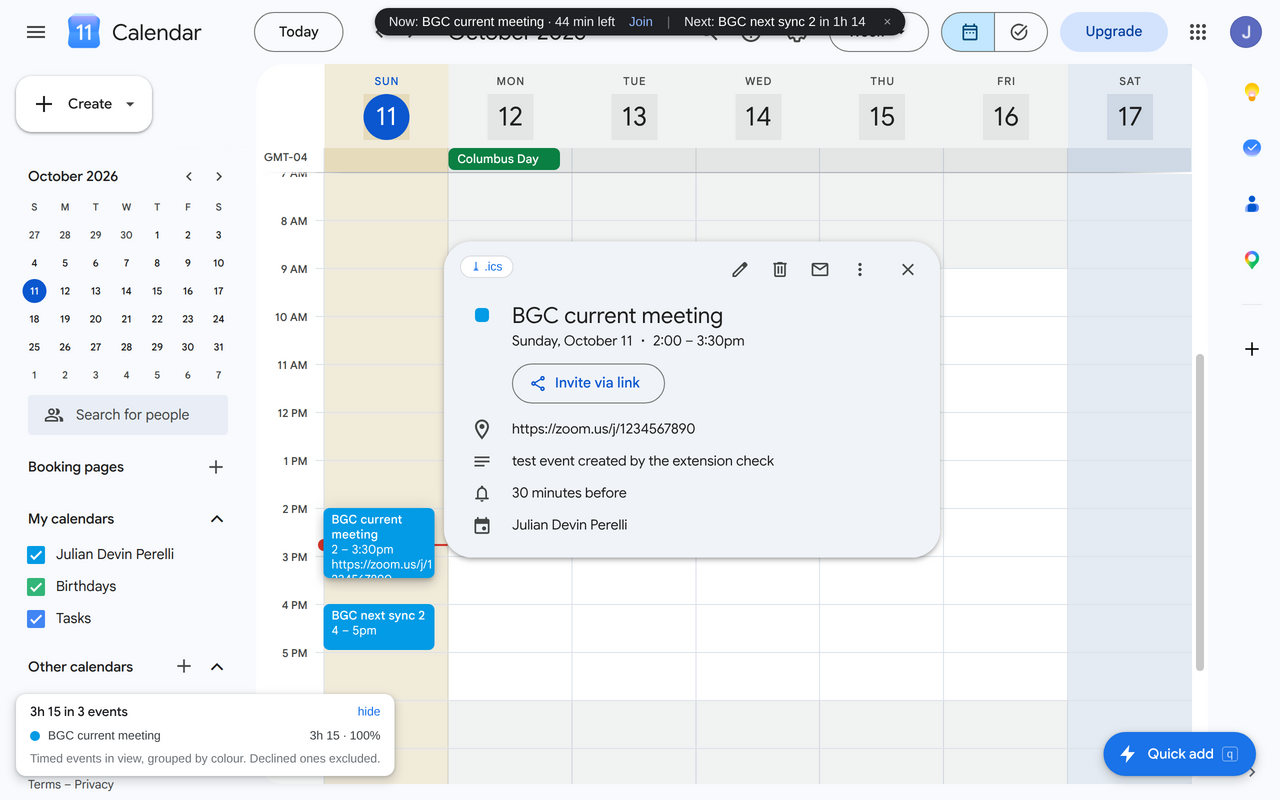
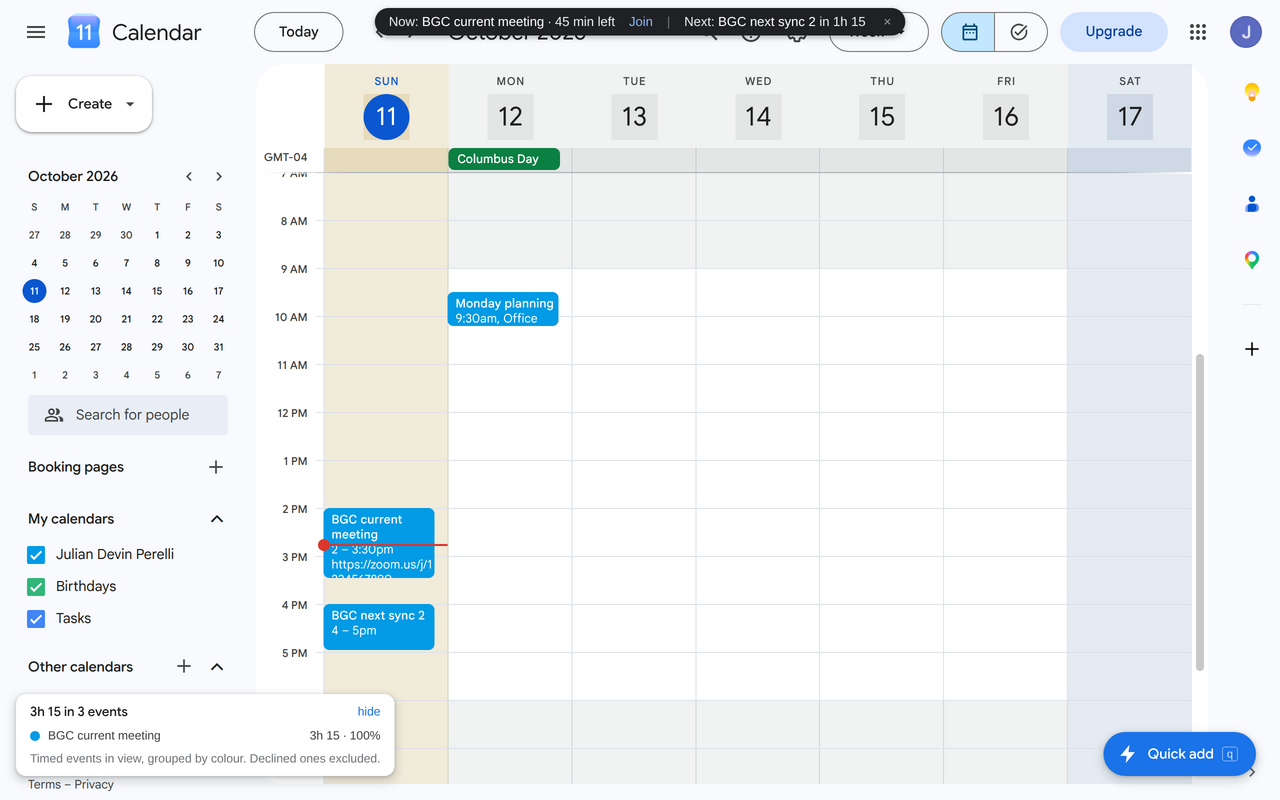
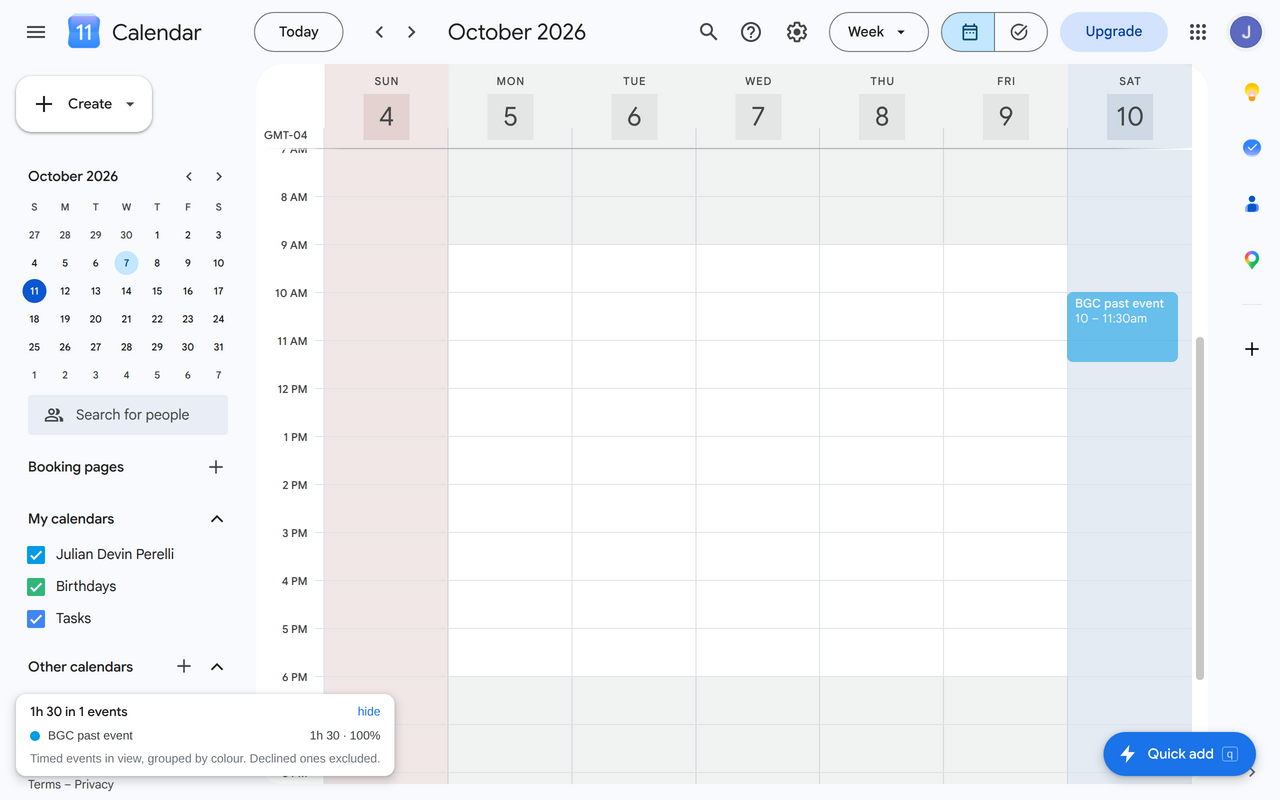
- Grid helpers Working-hours shading and weekend colours, dim past and declined events, a "now" bar with the current and next meeting and a join link.
- Totals by colour Hours in view grouped by event colour, so a week of meetings becomes a number.
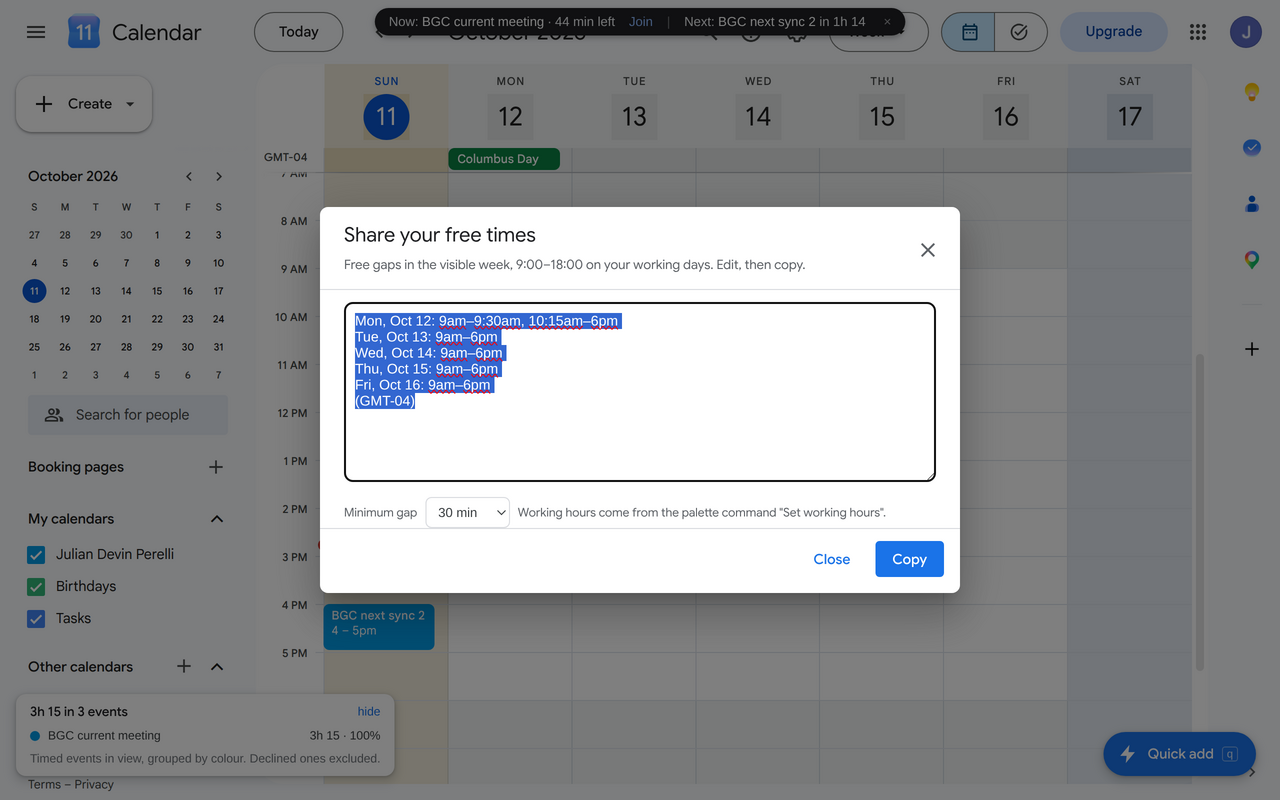
- Share free times The gaps of the visible week as text, ready to paste in an email.
- Export The visible events as text, Markdown, CSV or .ics.
How it works
The whole extension is plain JavaScript, Manifest V3, no bundler and no dependencies. The pure parts (the .ics parser, the Quick Add parser, the Google URL builder, the grid model) are small modules tested with node --test; the two running in the demo above are the exact files shipped in the extension.
Adding an event never touches an API. The extension builds a calendar.google.com/.../eventedit?text=...&dates=...&location=...&recur=RRULE:...&add=... URL and opens it, so Google’s own form appears with everything filled in and the user presses Save. That is why it needs no OAuth scope and no server, and why it works with any Google Workspace policy.
The grid features read Google’s DOM: the data-datekey attribute on day columns (a packed year/month/day integer), the hour gutter, and the data-eventid chips. The layout is re-scanned on every mutation, and if Google changes the markup so that the scan no longer finds a grid, those features pause themselves and say so, instead of painting in the wrong place.